Visualizing Adversary Detection Coverage
-
After completing the Visualizing Detection Coverage and Visualizing Adversary Techniques procedures within the same MITRE ATT&CK Navigator instance, click on the
+plus sign at the top of the page next to the existing layer name -
Click on Create Layer from other layers and input the following information:
- Domain:
Enterprise ATT&CK v## - Score Expression:
a xor (a and b)a= The layer created from Visualizing Detection Coverageb= The layer created from Visualizing Adversary Techniques
- Domain:
-
After clicking on Create, a new layer will be generated highlighting the adversary's techniques that you are able to detect, as well as the specific rule names within each technique’s metadata:
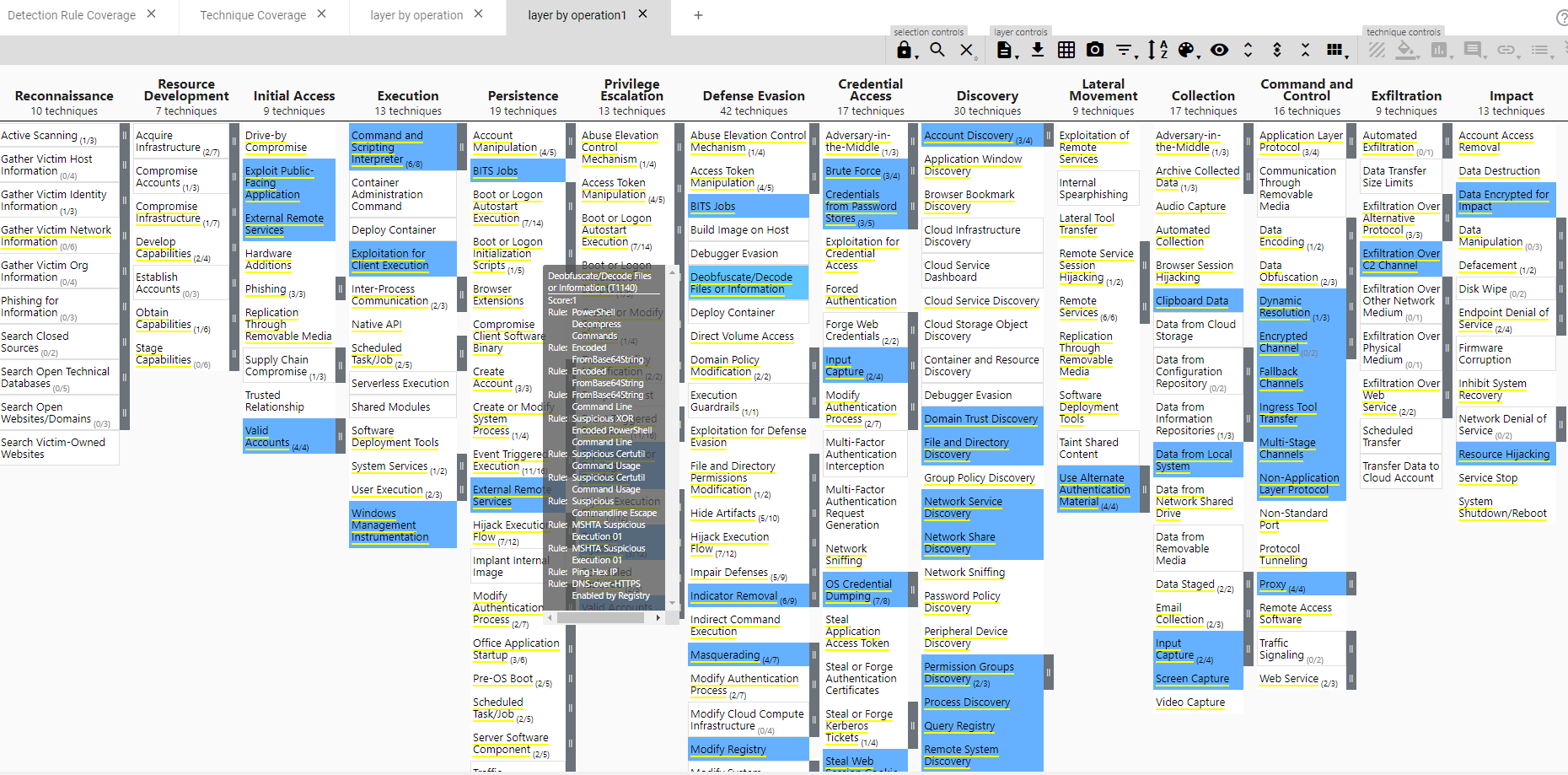
-
You can now customize the layer visuals and render layer to SVG to export the layer as an SVG image file, if desired